
Anime Style Skins
Anime and manga inspired skins with signature large eyes, bold hair colors, and iconic character aesthetics adapted to Minecraft.
5 skins in this category
Popular Tags
All 5 Anime Style Skins
Every one of the 5 anime style skins here is the live skin of a real account, read straight from its Mojang profile.
2 of them sit on the Steve model and 3 on the slimmer Alex model. Every one of them uses the second layer on the body as well as the head.
Counted colour by colour, LDShadowLady is the busiest file here at 148 colours and Nihachu the plainest at 39; the average lands on 71.
Sorting by the colour that covers the most pixels, anime style skins land mainly on black (4), blue (3), grey (2).
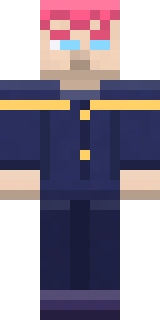
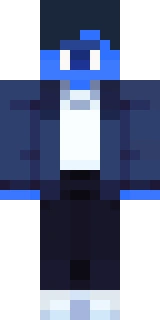 KriniosSteve model · second layer on the body · 69 colours
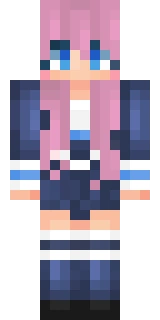 LDShadowLadyAlex model · second layer on the body · 148 colours
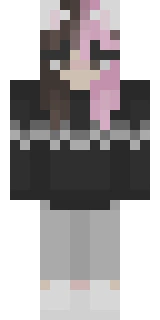 NihachuAlex model · second layer on the body · 39 colours
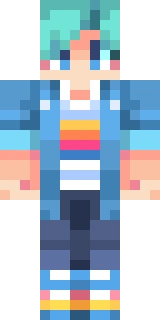 Smajor1995Steve model · second layer on the body · 48 colours
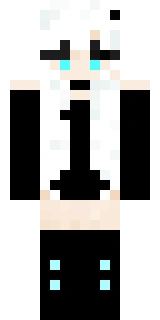 sylveeAlex model · second layer on the body · 52 colours
The player skins on this page were read from the Mojang profile API and were current on 2026-08-23. A player can change their skin at any time, in which case their profile will show the new one before this page does.
Anime Style Skins by the Numbers
| Skins on this page | 5 |
|---|---|
| Drawn by Astroworld | 0 |
| Taken from a live Mojang profile | 5 |
| Steve model (4 pixel arms) | 2 |
| Alex model (3 pixel arms) | 3 |
| Still in the legacy 64x32 layout | 0 |
| Painting on the second body layer | 5 |
| Wearing a cape on their profile | 0 |
| Average number of colours | 71 |
Finding the Right Anime Style Skin
When choosing a anime style skin, consider whether you want a Steve model (4-pixel wide arms) or an Alex model (3-pixel wide arms). Both models support the full 64x64 skin format with overlay layers.
Make sure your skin file is a PNG image at exactly 64x64 pixels. Legacy 64x32 skins still work but do not support the second layer overlays for legs and arms.
You can apply your chosen skin through the Minecraft Launcher or via your profile at minecraft.net. For detailed instructions, check our skin changing guide.


