Bionic Minecraft Skin
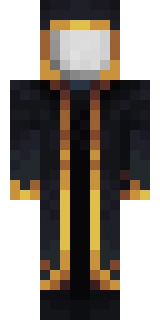
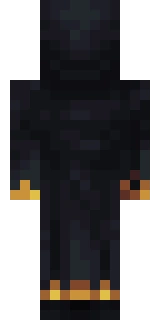

This skin belongs to Bionic. Astroworld did not draw it: the file was read from the public Mojang profile of that account on 2026-08-23 and is shown here as it was on that day.
What is in this skin file
This is the Minecraft skin on the profile of Bionic: a 64x64 file built on the Alex model, so its arms are three pixels wide. It uses 45 distinct colours, and near black #131519 covers 17.1% of the painted pixels.
The skin paints on the hat layer and on the body overlay as well, so parts of it sit half a pixel outside the base model.
Sorted by how much of the file they cover, the top three colours are #131519 at 17.1%, #19181f at 17.1%, #1e1e28 at 14.9%.
The profile also carries a cape. A cape is a separate texture that Mojang stores next to the skin, so it does not travel with the skin file below.
The colours Bionic uses most
Bionic skin at a glance
| Player | Bionic |
|---|---|
| Model | Alex, 3 pixel arms |
| File layout | 64 x 64, the layout since Minecraft 1.8 |
| Hat layer | In use |
| Second body layer | In use |
| Distinct colours | 45 |
| Cape on the profile | Yes |
| Profile UUID | 04f8944256394bef9c7e24147aa8ea4d |
| Read from Mojang on | 2026-08-23 |
Using this skin yourself
Download the PNG above and upload it in the Minecraft Launcher under Skins, or at your profile on minecraft.net. Pick the Alex shape, because this file is drawn for three pixel arms; choosing the other one stretches or crops the arm texture.
On Bedrock Edition you load the same PNG through Profile, Edit Character, Owned Skins, Import. The step by step version is in our guide to changing your skin, and what the layout of the file means is explained in the skin format guide.
You can also drop this file into our skin viewer or put Bionic next to another player in the comparison tool.
More boys skins
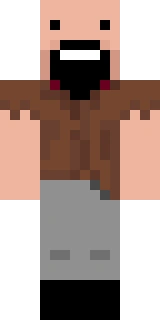 NotchSteve model · legacy 64x32 file · 18 colours
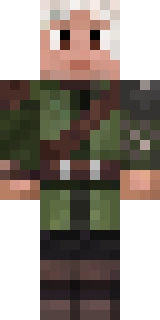 slicedlimeSteve model · second layer on the body · 675 colours
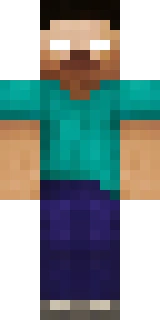 MojangSteve model · legacy 64x32 file · 842 colours
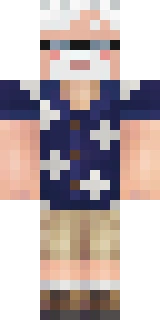 ProfMobiusSteve model · second layer on the body · 502 colours
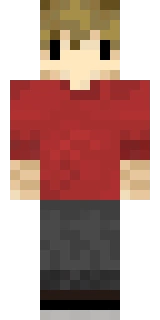 GrianAlex model · second layer on the body · 136 colours
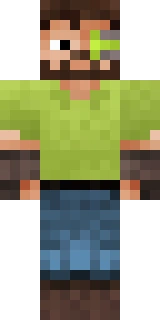 iskall85Steve model · second layer on the body · 880 colours
 popularmmosSteve model · second layer on the body · 92 colours
 PrestonSteve model · legacy 64x32 file · 262 colours
 WifiesSteve model · second layer on the body · 65 colours
 WilburSootSteve model · second layer on the body · 164 colours