Skin Gallery
Browse Astroworld-branded skins and community favorites. Filter by category and download any skin to use in Minecraft.
Looking for the skin of a specific player instead? Every skin on the site lists them all, grouped by category, with the front, the back and the file itself.
Showing 18 skins
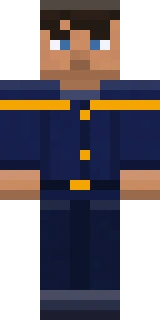
Astro Explorer
astroworld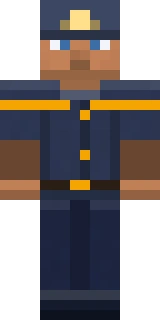
Astro Miner
astroworld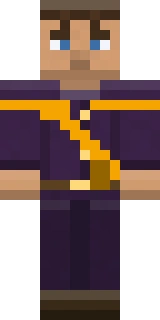
Astro Merchant
astroworld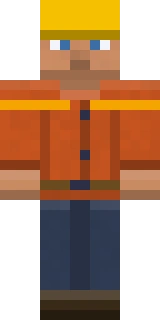
Astro Builder
astroworld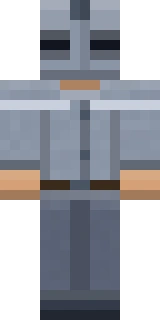
Iron Knight
medieval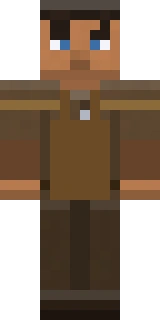
Village Blacksmith
medieval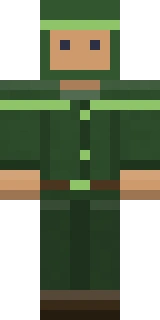
Royal Archer
medieval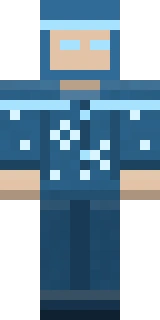
Frost Mage
fantasy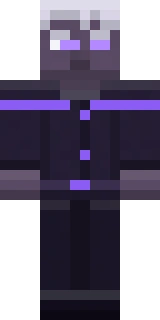
Shadow Elf
fantasy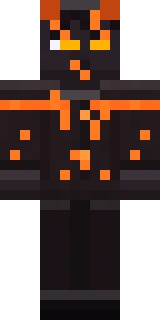
Fire Demon
fantasy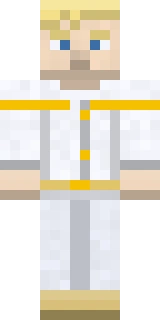
Celestial Angel
fantasy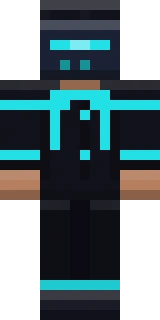
Neon Hacker
sci-fi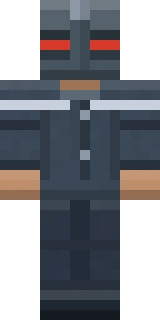
Space Marine
sci-fi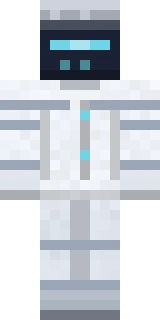
Android Unit
sci-fi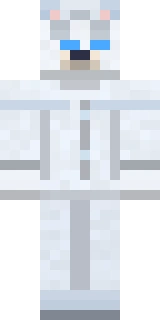
Arctic Fox
animals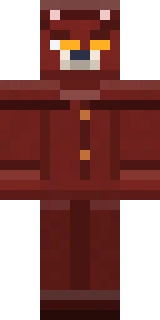
Crimson Wolf
animals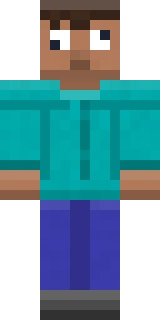
Derp Steve
memes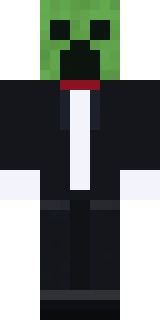
Tuxedo Creeper
memesUsing a skin from the gallery
The gallery holds 18 skins in 6 groups: Astroworld (4), Medieval (3), Fantasy (4), Sci-Fi (3), Animals (2) and Memes (2). Every file is a 64 by 64 pixel PNG, the layout both editions accept, and all 18 are painted for the classic model with arms four pixels wide.
On Java Edition you change your skin on the profile page at minecraft.net or in the Minecraft Launcher, and only an account that owns the game can do it. Both ask whether the arms are classic or slim. Pick classic for these files. With slim the game treats each arm as three pixels wide and ignores the last column the file was painted with, so the sleeves no longer line up. The guide to changing your skin goes through the steps for both editions.
Bedrock Edition imports skin files in the Windows version and on phones and tablets. Open the Dressing Room, go to the Classic Skins tab, import the PNG and choose the arm width when the game asks. Each skin's own page has these steps too, along with a 3D view you can turn.
A skin has two layers. The outer one is drawn slightly larger than the body and usually holds hats, hoods and glasses, and none of these 18 skins put anything on it. On Java Edition the inner layer can't be see-through, because the game draws every pixel of it fully opaque. The skin format guide covers both layers and the two arm widths.
Gallery skin questions
Do these skins need the classic or the slim model?
Classic, the Steve shape with arms four pixels wide. All 18 files are painted for it. Upload one as slim and the game treats each arm as three pixels wide, so part of the arm texture ends up in the wrong place.
Can I use these skins on Bedrock Edition?
Yes. In the Windows version and on phones and tablets, open the Dressing Room, go to the Classic Skins tab and import the PNG. Bedrock accepts skin files of 64 by 32, 64 by 64 and 128 by 128 pixels.
Why do other players see a default skin on some servers?
On Java Edition the server passes your skin on with a signature from Minecraft's own services, and the game only shows skins that were uploaded there. A server in offline mode has no signed profile to pass on, so players on it can't show their own skin without mods.
Do any of the gallery skins use the outer layer?
No. None of the 18 put a single pixel on the outer layer, the one drawn slightly larger than the body for hats, glasses and other extras. Everything is painted on the inner layer, so the outer one is free if you want to add a hat in an image editor.