hypnotizd Minecraft Skin
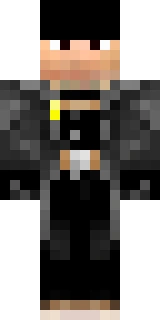
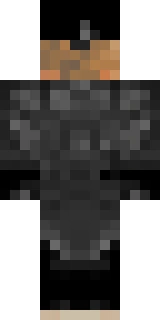

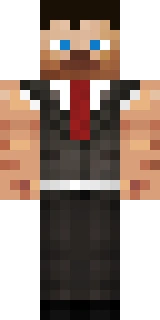
This skin belongs to hypnotizd. Astroworld did not draw it: the file was read from the public Mojang profile of that account on 2026-08-23 and is shown here as it was on that day.
What is in this skin file
This is the Minecraft skin on the profile of hypnotizd: a 64x32 file built on the Steve model, so its arms are four pixels wide. It uses 255 distinct colours, and near black #000000 covers 30.6% of the painted pixels.
Because this is the older 64x32 layout, only the head has a second layer. Minecraft mirrors the one arm and the one leg in the file onto both sides of the body.
The palette is led by #000000 at 30.6%, #313131 at 6.1%, #2b2b2b at 1.8%, counted across the whole file.
There is no cape on this profile, so what you download is the whole of what the account shows in game.
The colours hypnotizd uses most
hypnotizd skin at a glance
| Player | hypnotizd |
|---|---|
| Model | Steve, 4 pixel arms |
| File layout | 64 x 32, the layout from before Minecraft 1.8 |
| Hat layer | In use |
| Second body layer | Not available in this layout |
| Distinct colours | 255 |
| Cape on the profile | No |
| Profile UUID | b0015b938a5d461d99913cfa23e3296f |
| Read from Mojang on | 2026-08-23 |
Using this skin yourself
Download the PNG above and upload it in the Minecraft Launcher under Skins, or at your profile on minecraft.net. Pick the Steve shape, because this file is drawn for four pixel arms; choosing the other one stretches or crops the arm texture.
On Bedrock Edition you load the same PNG through Profile, Edit Character, Owned Skins, Import. The step by step version is in our guide to changing your skin, and what the layout of the file means is explained in the skin format guide.
You can also drop this file into our skin viewer or put hypnotizd next to another player in the comparison tool.
More modern skins
 DinnerboneSteve model · second layer on the body · 124 colours
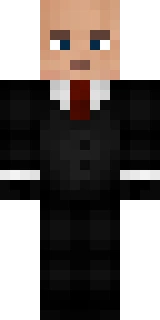 SeargeSteve model · second layer on the body · 314 colours
 kingbdogzSteve model · second layer on the body · 51 colours
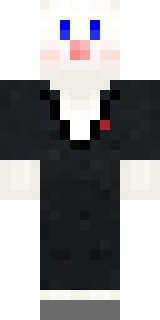 TheMogMinerSteve model · second layer on the body · 139 colours
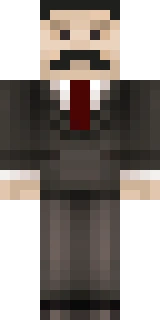 MumboJumboSteve model · second layer on the body · 282 colours
 VintageBeefSteve model · second layer on the body · 354 colours
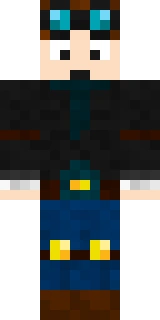 DanTDMSteve model · second layer on the body · 225 colours
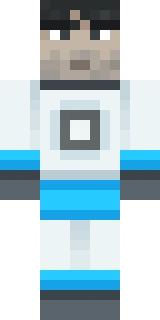 Sips_Steve model · legacy 64x32 file · 64 colours
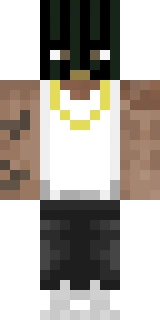 BigreSteve model · second layer on the body · 95 colours
 SkizzlemanSteve model · second layer on the body · 363 colours